Some Cameras Only Record Half the Story
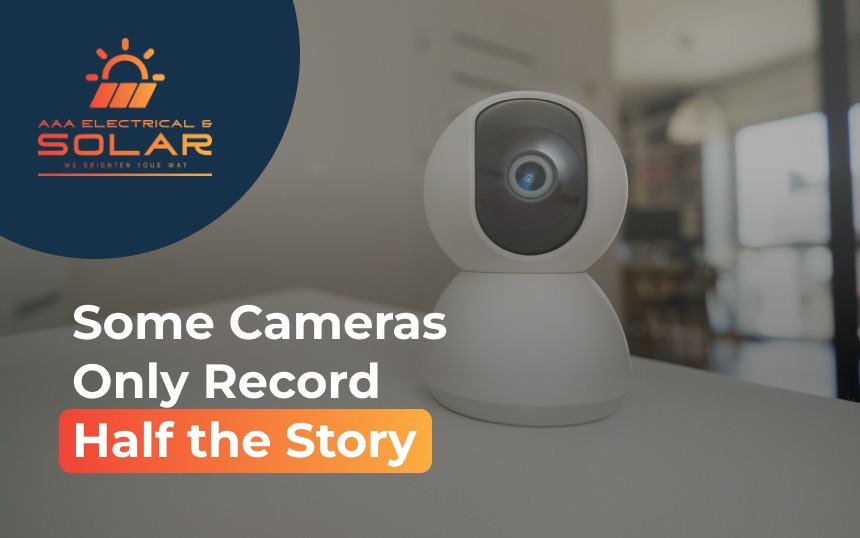
CCTV and security cameras aren’t really rivals. The choice that matters is where the footage goes, how the camera is powered and whether it keeps recording when the Wi-Fi drops, and a 2026 law has changed what to check on the box.
Most people buy a camera after something happens. A parcel goes missing, a car gets broken into down the street, or there’s a noise at 2am that nobody can explain. You want answers, and you want them fast.
Then you start shopping and the labels blur together. CCTV, smart cams, wire-free, wireless, PoE. Choosing between home surveillance systems gets a lot easier once you know the label matters less than three practical questions.
CCTV and Smart Cameras Store Footage Differently
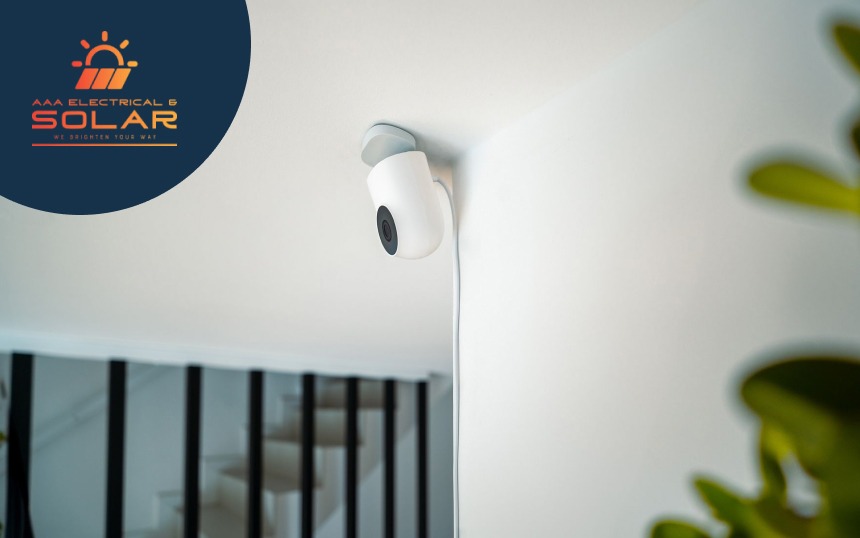
CCTV stands for closed-circuit television. The cameras feed a recorder in your own home, usually a network video recorder, and the footage stays there. Most smart or Wi-Fi cameras send their footage over the internet instead, to an app and often a paid cloud plan.
Both can be good. The difference shows up on a bad day. A wired system keeps recording to the box in your cupboard when the internet drops. A Wi-Fi camera can lose its connection to the cloud, and with it, the footage you were counting on.
Battery Cameras Often Record in Clips
Wire-free cameras are easy to put up, which is a big part of their appeal. To save battery, though, most only record short clips when they sense motion rather than filming continuously. If the clip starts a second late or cuts out early, you may miss the face, the number plate or the moment that actually matters. For security camera systems covering a driveway or front door, continuous recording on a wired setup is the safer choice.
A 2026 Law Changed What to Check on the Box
Since 4 March 2026, smart devices sold in Australia, including home cameras, have had to meet new mandatory cyber security standards. They can’t ship with a universal default password, the maker has to publish a way to report security problems, and they must state how long the device will receive security updates.
There’s a catch. Devices made before 4 March 2026 don’t have to comply, and older stock can still sit on shelves. Look for the stated support period before buying. And if you already own cameras, change any factory password today, because default logins remain one of the easiest ways in.
The Cable Behind the Camera Needs the Right Person
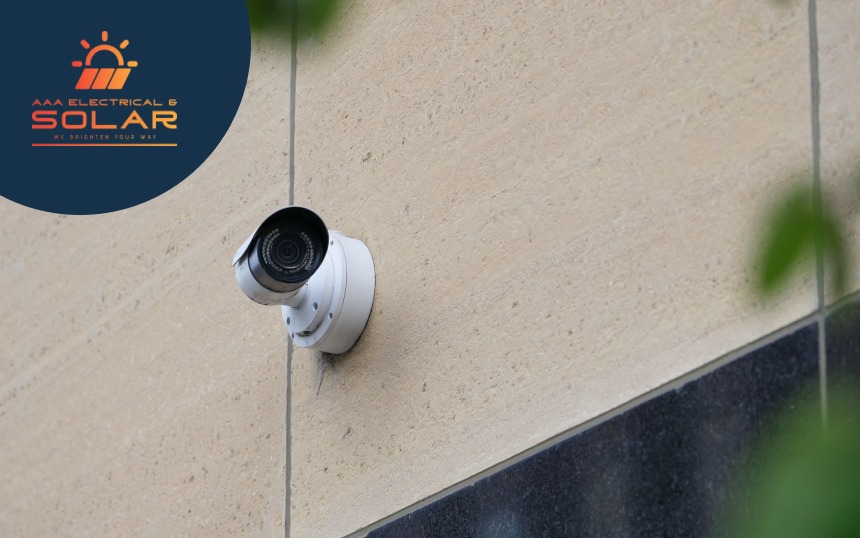
Modern wired cameras usually run on power over ethernet, with one cable carrying both data and power. Running that cable through walls and ceilings is regulated work. Under the ACMA’s rules, security and data cabling has to be done by a registered cabler. When you compare cctv installation services, ask who will run the cable and whether they’re registered, not just who will mount the cameras.
Quick Comparison
| Question | Wired CCTV | Wi-Fi or battery camera |
| Where footage is stored | Recorder at home | App or cloud, sometimes SD card |
| If the internet drops | Keeps recording | May stop uploading |
| Recording style | Usually continuous | Often motion clips |
| Ongoing cost | Usually none | Often a cloud subscription |
| Install effort | Cable runs needed | Quick to put up |
One Team for Power, Cable and Cameras
AAA Electrical and Solar’s licensed electricians handle home security camera installation alongside switchboards, lighting and solar out of Hoppers Crossing, so the power, the cabling plan and the cameras are worked out together. For CCTV security cameras in Melbourne‘s west, that means fewer gaps between the people doing each part of the job.
Pick the Camera for the Bad Day
Every camera looks good in the shop. The real test is the one night you need it, when the power flickers, the Wi-Fi drops and someone walks up the driveway. Choose the setup that still records clearly in that moment, and the rest is just features.